
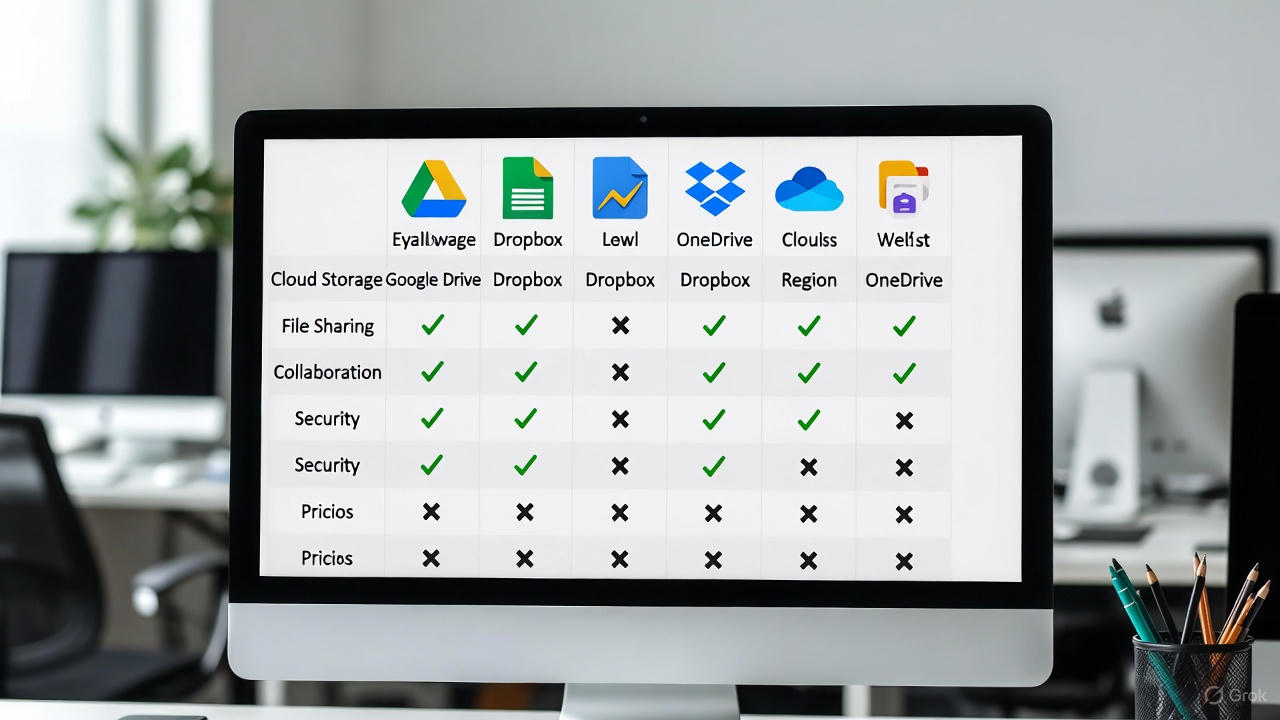
In today’s hybrid and fully-remote work landscape, the right cloud storage and file-sharing service is not a luxury—it is the foundational pillar of productivity, security, and seamless collaboration. For team leaders and IT decision-makers, selecting a platform is a critical strategic choice with direct implications on workflow efficiency and data integrity. The market is flooded with options, each promising superior features, but how do they truly stack up for the unique, demanding needs of a distributed workforce? We have conducted an exhaustive analysis, testing platforms against the rigorous demands of real-world remote collaboration. This definitive guide cuts through the marketing noise to deliver a comprehensive, data-driven comparison designed to help you identify the optimal cloud storage solution for your team’s specific operational DNA.
Core Evaluation Criteria for Remote Team Platforms
Before diving into individual tools, it is essential to establish the framework for our comparison. A generic cloud storage service will not suffice for professional remote teams. We evaluate each contender against a multifaceted set of criteria that are non-negotiable for business-grade collaboration.
-
Real-Time Collaboration Capabilities: The platform must go beyond simple file hosting to enable simultaneous editing, robust version history, and clear change tracking. This is the cornerstone of collaborative output.
-
Granular Security & Compliance: Enterprise teams require fine-tuned permission controls (view, edit, share), data encryption (both in transit and at rest), and adherence to regulatory standards like GDPR, HIPAA, or SOC 2. Security is paramount.
-
Seamless Ecosystem Integration: The tool should function as a cohesive part of your tech stack, integrating smoothly with project management software (Asana, Trello), communication apps (Slack, Microsoft Teams), and other critical productivity suites.
-
Cross-Platform Reliability & Sync: Performance must be consistent across Windows, macOS, iOS, and Android. Reliable, fast synchronization without conflicts is a basic expectation that cannot be compromised.
-
Administrative Control & Scalability: Solutions must offer centralized admin panels for user management, detailed activity audits, and policies that scale efficiently with team growth, from a small startup to a large enterprise.
In-Depth Analysis of Leading Cloud Storage Contenders
Microsoft OneDrive: The Integrated Powerhouse for Microsoft 365 Teams
Microsoft OneDrive is far more than a default storage option; it is the beating heart of the Microsoft 365 ecosystem. For teams entrenched in Word, Excel, PowerPoint, and Teams, its integration is unparalleled, earning it a top Editors’ Choice rating for overall excellence.
-
Pros for Remote Teams: It offers polished apps on all platforms and enables powerful, seamless co-authoring within Office apps. File sharing is intuitive, and its deep integration with Windows provides a native feel. For organizations leveraging the full Microsoft suite, it creates a uniquely fluid environment where documents, communication, and storage are intrinsically linked.
-
Cons & Considerations: Some of its most advanced new features are initially reserved for organizational accounts, not personal ones. Teams not committed to the Microsoft ecosystem will not unlock its full potential, making it a less optimal choice in mixed-software environments.
-
Remote Team Verdict: The undisputed top choice for teams that live and breathe Microsoft 365. Its collaborative editing and SharePoint adjacency make it a powerhouse for structured, corporate remote work.
Google Drive: The Collaboration-First Standard
Google Drive is synonymous with agile, real-time collaboration. It is one of the slickest and most generous services, offering 15GB of free storage and exceptional collaboration capabilities through Google Docs, Sheets, and Slides.
-
Pros for Remote Teams: The simultaneous editing experience is industry-leading, with changes appearing character-by-character. It boasts generous free storage, excellent third-party integrations, and cross-platform apps. The “stream” vs. “mirror” file management helps optimize local device storage—a boon for employees using company and personal machines.
-
Cons & Considerations: It lacks native password protection for shared links, and its privacy model has raised questions in the past. Functionality is sometimes split across multiple apps (Drive, Docs, Backup and Sync).
-
Remote Team Verdict: The go-to solution for agile, creative, or startup teams that prioritize frictionless, fast-paced collaboration and often work in browser-based environments. Its simplicity and power are unmatched for document-centric workflows.
Dropbox: The Veteran Specialist for File Synchronization
Dropbox pioneered consumer cloud storage and has evolved into a strong contender for professional teams, particularly those with a focus on streamlined file syncing and feedback workflows.
-
Pros for Remote Teams: It offers a simple, reliable, and set-and-forget syncing experience. It has grown to include useful features like file watermarking for security, video review tools for creative teams, and detailed view history to track engagement.
-
Cons & Considerations: For very large files, the traditional upload/download model can create latency. Some competitors offer more integrated office suites or deeper real-time editing features natively.
-
Remote Team Verdict: An excellent choice for teams whose primary need is bullet-proof, simple file synchronization and sharing across mixed software environments, especially if they utilize other best-in-class apps for documents and communication.
Specialized Solutions for Specific Team Needs
-
Proton Drive: The Privacy Champion: If your team handles extremely sensitive data, Proton Drive is the standout. Based in Switzerland and protected by strict privacy laws, it features end-to-end encryption where not even the service provider can access your files. This peace of mind comes with trade-offs, such as potentially slower upload speeds, but for legal, journalistic, or security-conscious teams, it is the gold standard.
-
Sync.com: Security-First Simplicity: Similar in ethos to Proton, Sync.com emphasizes client-side encryption and a straightforward user experience with no file size limits. It is an excellent choice for teams that want robust security without operational complexity, though it lacks some advanced collaboration features like local network syncing.
-
Box: The Enterprise Governance Platform: Box has positioned itself squarely for the enterprise market. It excels in administrative controls, compliance protocols (like HIPAA and FINRA), and sophisticated workflow automation. For large, regulated organizations that need deep governance and security above all else, Box is a leading solution.
-
IDrive: The Comprehensive Backup Hybrid: IDrive uniquely blends cloud storage with full-system backup capabilities. It offers excellent value with low per-GB costs, fast uploads, and the ability to back up unlimited devices on a single account. It’s ideal for IT administrators and teams who want to consolidate storage and disaster recovery into one cost-effective tool.
Head-to-Head Feature Comparison for Decision Makers
To facilitate a direct comparison, we have condensed our analysis into a critical feature matrix. This snapshot focuses on the attributes most decisive for remote team deployment.
| Feature / Platform | Microsoft OneDrive | Google Drive | Dropbox | Proton Drive | Box |
|---|---|---|---|---|---|
| Best Suited For | Microsoft 365 Ecosystems | Agile, Doc-Based Collaboration | Reliable File Sync & Share | Maximum Privacy & Security | Large, Regulated Enterprises |
| Native Real-Time Co-Editing | Excellent (Office Apps) | Industry-Leading (Workspace) | Good (with Paper) | Limited | Good |
| Key Security Highlight | Enterprise Compliance Tools | Standard Encryption | Watermarking, View Logs | End-to-End Encryption | Advanced Admin & Compliance |
| Free Storage Tier | 5 GB | 15 GB | 2 GB | 5 GB | 10 GB (Individual) |
| Standout Integrations | Microsoft 365, SharePoint | Google Workspace, Extensive 3rd Party | Slack, Zoom, Adobe | Proton Mail, Calendar | Deep Enterprise SaaS & CRM |
| Primary Remote Work Limitation | Less potent outside MS ecosystem | Privacy model considerations | Latency with very large files | Slower upload speeds | Can be complex for small teams |
Strategic Recommendations: Matching Your Team’s Profile
Choosing the ultimate tool is not about finding the “best” in a vacuum, but identifying the best fit for your team’s specific profile.
-
For the Fully Integrated Microsoft Team: Your path is clear. Microsoft OneDrive, bundled with Microsoft 365, provides the most seamless and powerful integrated experience. The collaborative depth in Office apps and synergy with Teams is unbeatable for this environment.
-
For the Agile, Cross-Platform Startup: Google Drive is your natural ally. Its low barrier to entry, superior real-time collaboration, and flexibility across operating systems foster the speed and adaptability that growing teams require.
-
For Security and Privacy-First Organizations: If data confidentiality is your foremost priority, Proton Drive or Sync.com should be at the top of your list. Their client-side encryption models ensure that sensitive intellectual property, legal documents, or personal data remain completely private.
-
For Large Enterprises with Complex Needs: Box and the enterprise tiers of Microsoft OneDrive are designed for you. Focus on Box if governance, compliance, and custom workflow are paramount. Choose OneDrive if you seek deep integration with a ubiquitous productivity suite.
-
For Cost-Conscious Teams Needing Backup: Do not overlook IDrive. If your team needs robust file sharing coupled with comprehensive, set-and-forget backup for all devices, its value proposition is exceptionally strong.
The ultimate cloud storage tool for your remote team is the one that disappears into the workflow, enabling rather than obstructing. It securely bridges the geographical gap between colleagues, turning distributed individuals into a cohesive, productive unit. By aligning your team’s core operational habits, security mandates, and growth trajectory with the strengths outlined in this comparison, you can move beyond guesswork to a confident, strategic decision. The foundation you choose today will directly enable your team’s success tomorrow.